

MOOD · HAPPY / FUSSY
Mood tracker
one tap, nothing to fill.
Tap Mood and it's saved with the current time. No forms. Hold to pick how baby was — happy, calm, fussy or crying — or tap the entry later.
- One tap, done. Time is saved automatically.
- Hold to pick the mood. Happy, calm, fussy or crying.
- Next to feeds and sleep. See a fussy stretch next to what came before it.
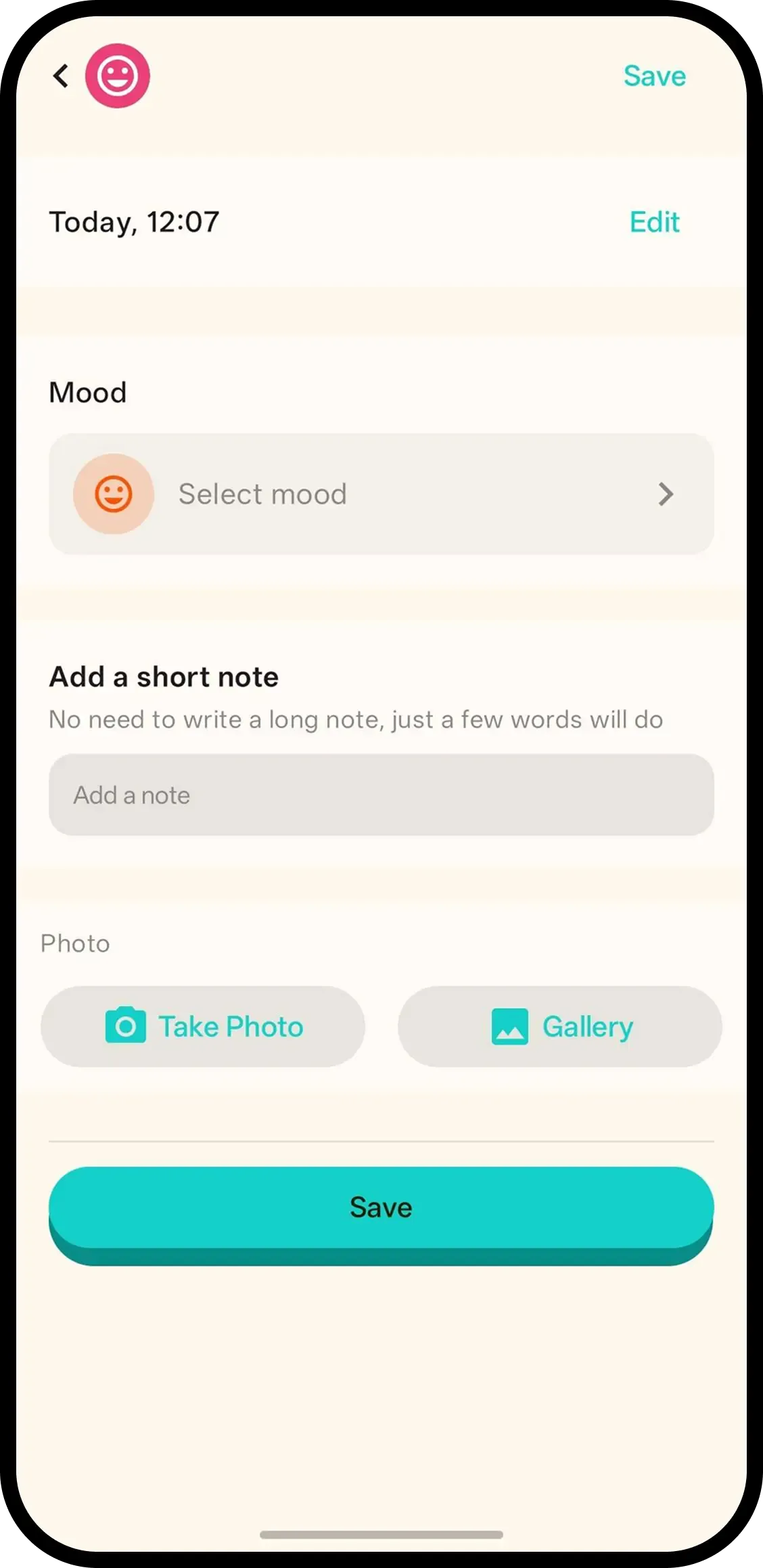

How it works
- 1. Tap Mood. Saved instantly.
- 2. Hold to pick the mood. Happy, calm, fussy or crying.
- 3. Or tap entry later. Same screen, add note/photo too.
When it helps
Naming the fussy stretch
Crying since the last nap with no clear cause. Tap Mood so the stretch is timestamped instead of becoming the whole day in memory.
Reading the pattern beside sleep
Three fussy evenings line up with three short naps on the same timeline. The cause stops being a mystery.
FAQ
- What does one tap do?
- It saves a mood entry with the current time. Nothing to fill in.
- How do I pick a mood?
- Hold the Mood button or tap the entry, then pick Happy, Calm, Fussy or Crying.
- What is this useful for?
- A fussy or crying stretch is easier to describe when you can see when it started and what came before it on the timeline.
- Can family see mood logs?
- Yes. Everyone on the family code sees the same history.