

SLEEP · START / END
Sleep tracker
one tap, nothing to fill.
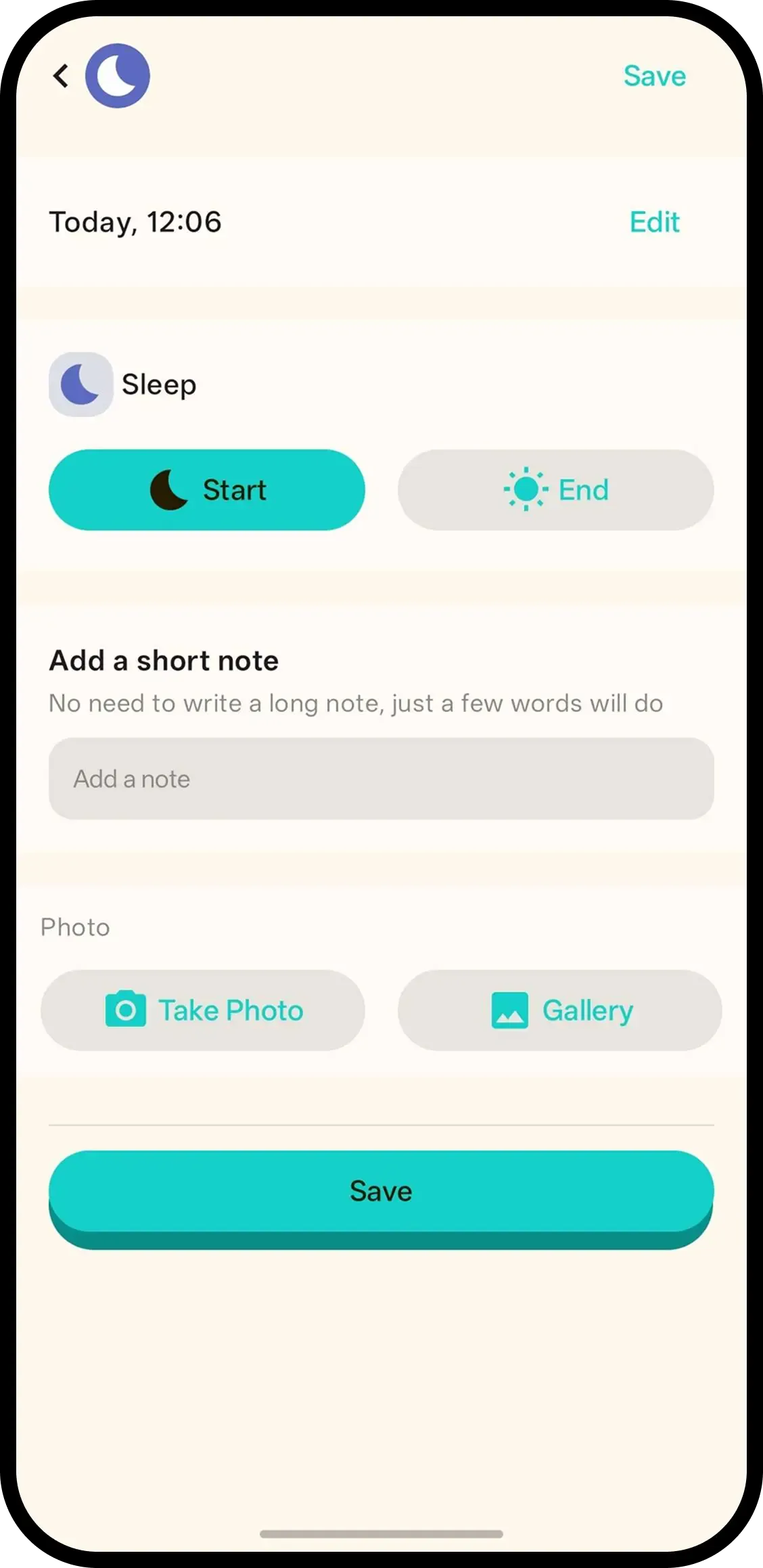
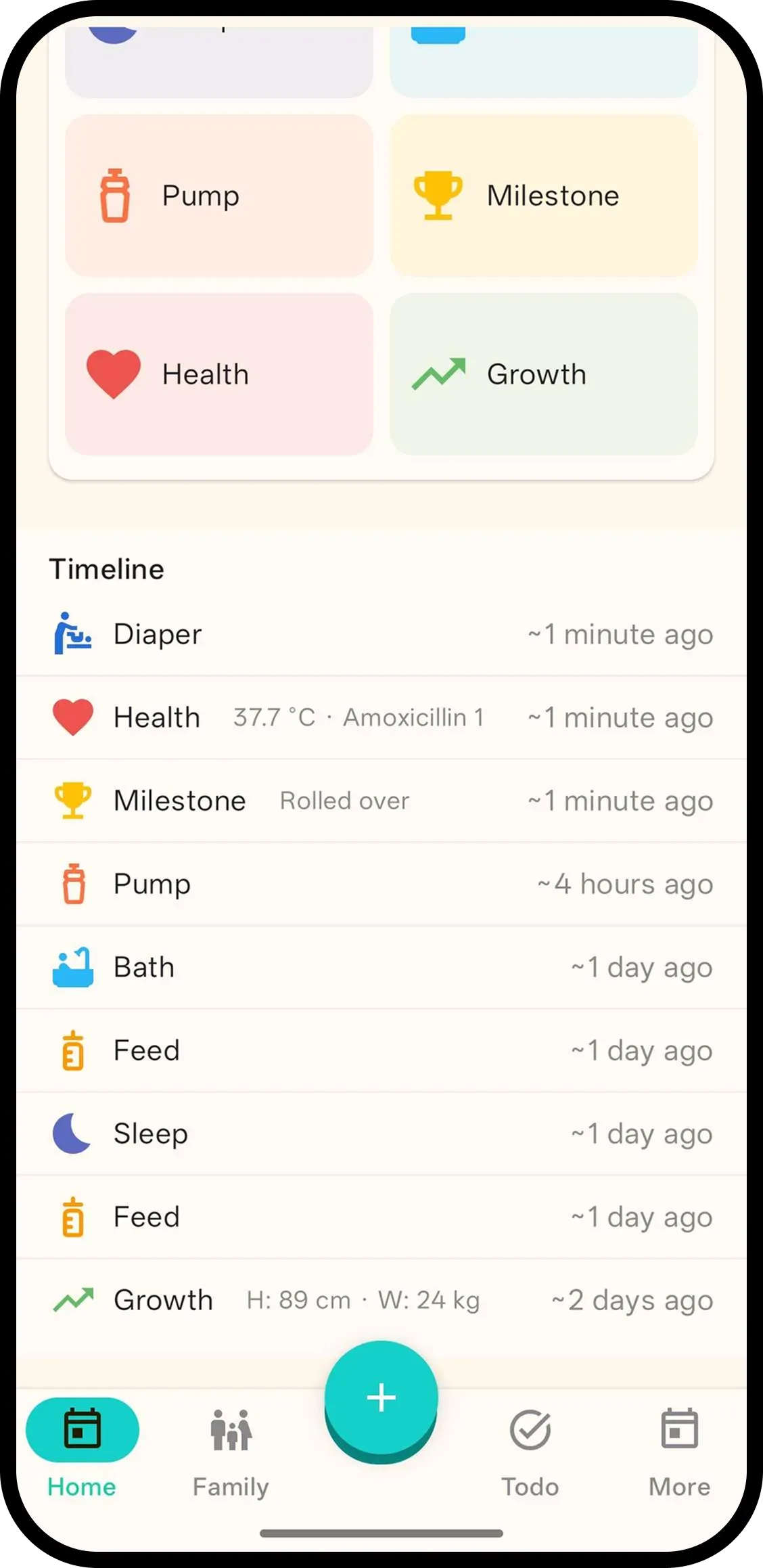
Tap Sleep and it's saved with the current time. No forms. Hold to pick Start or End, or tap the entry later. Duration is shown automatically.
- One tap, done. Time is saved automatically.
- Sleeping indicator. Home shows "Sleeping since 1:24 PM" at a glance.
- Hold or tap for Start/End. Hold the button or tap the entry to pick, duration appears.

How it works
- 1. Tap Sleep. Saved instantly.
- 2. Hold to pick Start/End. Or tap entry later.
- 3. Duration appears. End shows time since start.
FAQ
- What does one tap do?
- It saves a sleep entry with the current time. Nothing to fill in.
- How do I pick sleep start vs end?
- Hold the Sleep button to pick Start or End, or tap the entry later. Duration shows when an end has a start before it.
- Can family see sleep?
- Yes. Everyone on the family code sees the same sleep history, and handover shows if baby is sleeping.