

FEED · ONE TAP
Feeding tracker
one tap, nothing to fill.
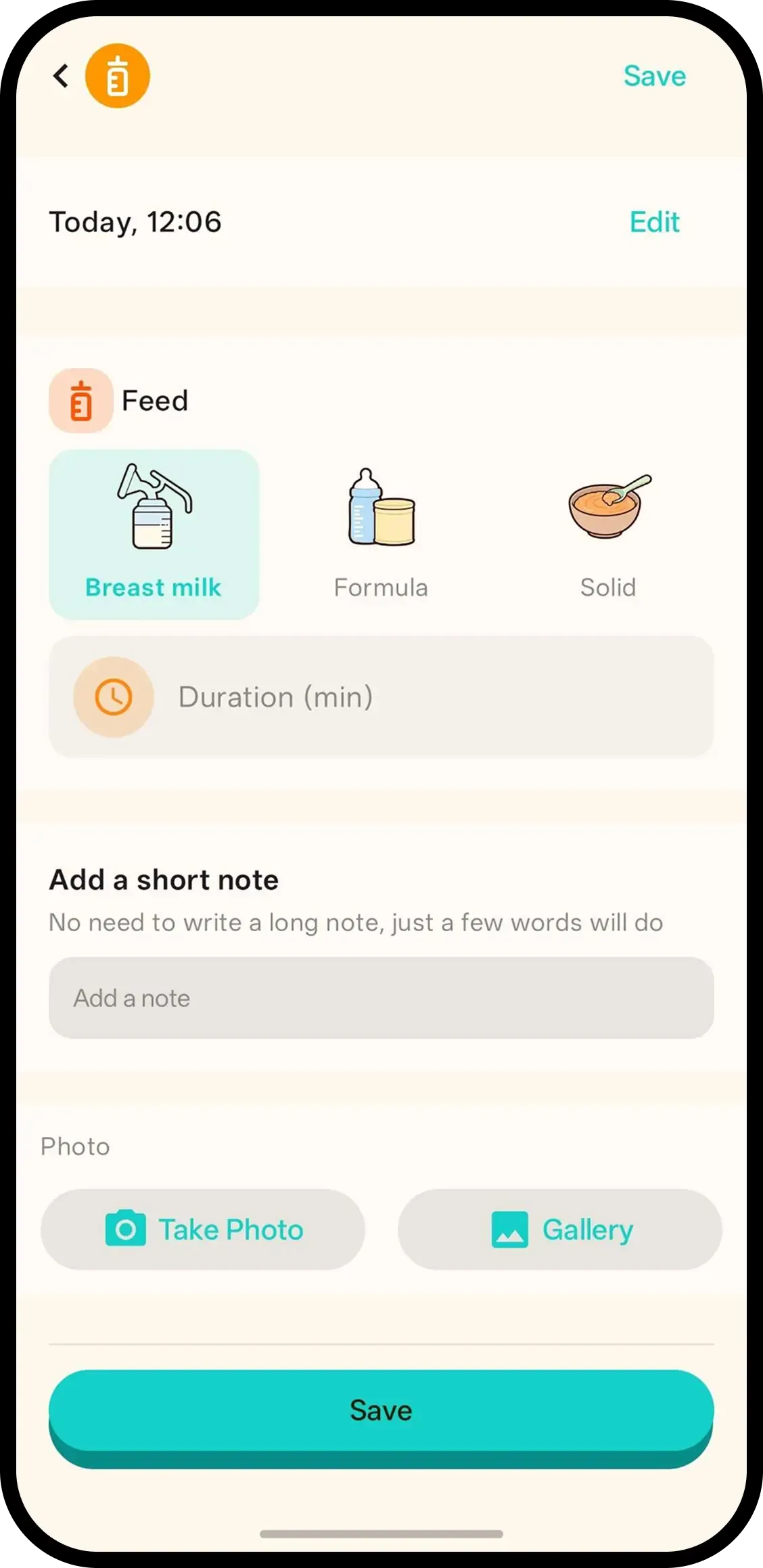
Tap Feed and it's saved with the current time. No forms. When you have a free hand, hold the button to add a note or photo, or tap the timeline entry later.
- One tap and done. The time is saved automatically.
- Add more only if you want. Hold the button or tap the entry to add a note or photo.
- Handover shows the last feed. The next caregiver sees how long ago in seconds.

How it works
- 1. Tap Feed. On the home screen or widget, even one handed. Saved instantly.
- 2. Hold to add a note or photo. Only if you want to.
- 3. Or tap the entry later. The timeline entry opens the same screen.
When it helps
Night feed, baby in your arms
It is 2 AM and the baby is latched or on the bottle. Tap Feed with one thumb. Note the side or the millilitres tomorrow; the time is already saved.
Handover without the guesswork
Your partner takes over and asks when the last feed was. The timeline answers in minutes, and handover shows it first.
FAQ
- What does one tap do?
- It saves the feed with the current time. Nothing to fill in.
- How do I add a note or photo?
- Hold the Feed button to add a note or photo, or tap the timeline entry later.
- Does it work offline?
- Yes. Without an account everything stays on your device. Sign in to back up and share with family.
- Can my partner see feeds?
- Yes. Everyone who joined your family code sees the same feed history.