

PUMP · ONE TAP
Pump tracker
one tap, nothing to fill.
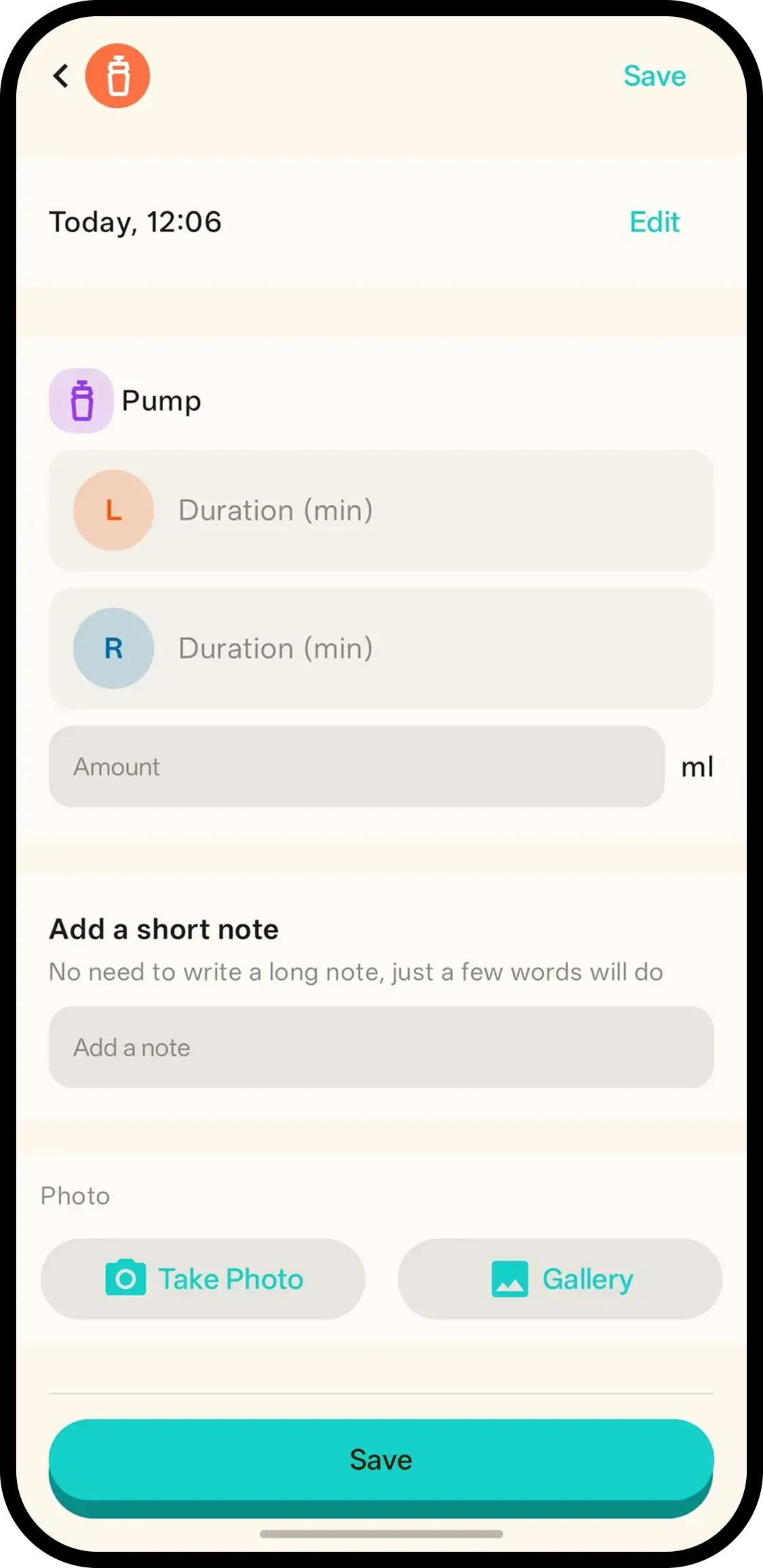
Tap Pump and it's saved with the current time. No forms. Hold the button or tap the entry later to add a note or photo.
- One tap, done. Time is saved automatically.
- Hold or tap to add more. Hold the button or tap the entry for a note/photo.
- Family in sync. Everyone on the family code sees the same pump history.

How it works
- 1. Tap Pump. Saved instantly.
- 2. Hold to add note/photo. Only if you want.
- 3. Or tap entry later. Same screen.
When it helps
Pumping at work or at night
Machine on, hands half free. Tap Pump to mark the session start to finish later, or log it complete in one tap when done.
Matching supply to feeds
Pumped sessions sit beside feeds on the same timeline, so a gap between supply and demand is visible at a glance.
FAQ
- What does one tap do?
- It saves the pump log with the current time. Nothing to fill in.
- How do I add a note or photo?
- Hold the Pump button or tap the timeline entry to add a note or photo.
- Can family see pump logs?
- Yes. Everyone on the family code sees the same history.