

WATER · ONE TAP
Water tracker
one tap, nothing to fill.
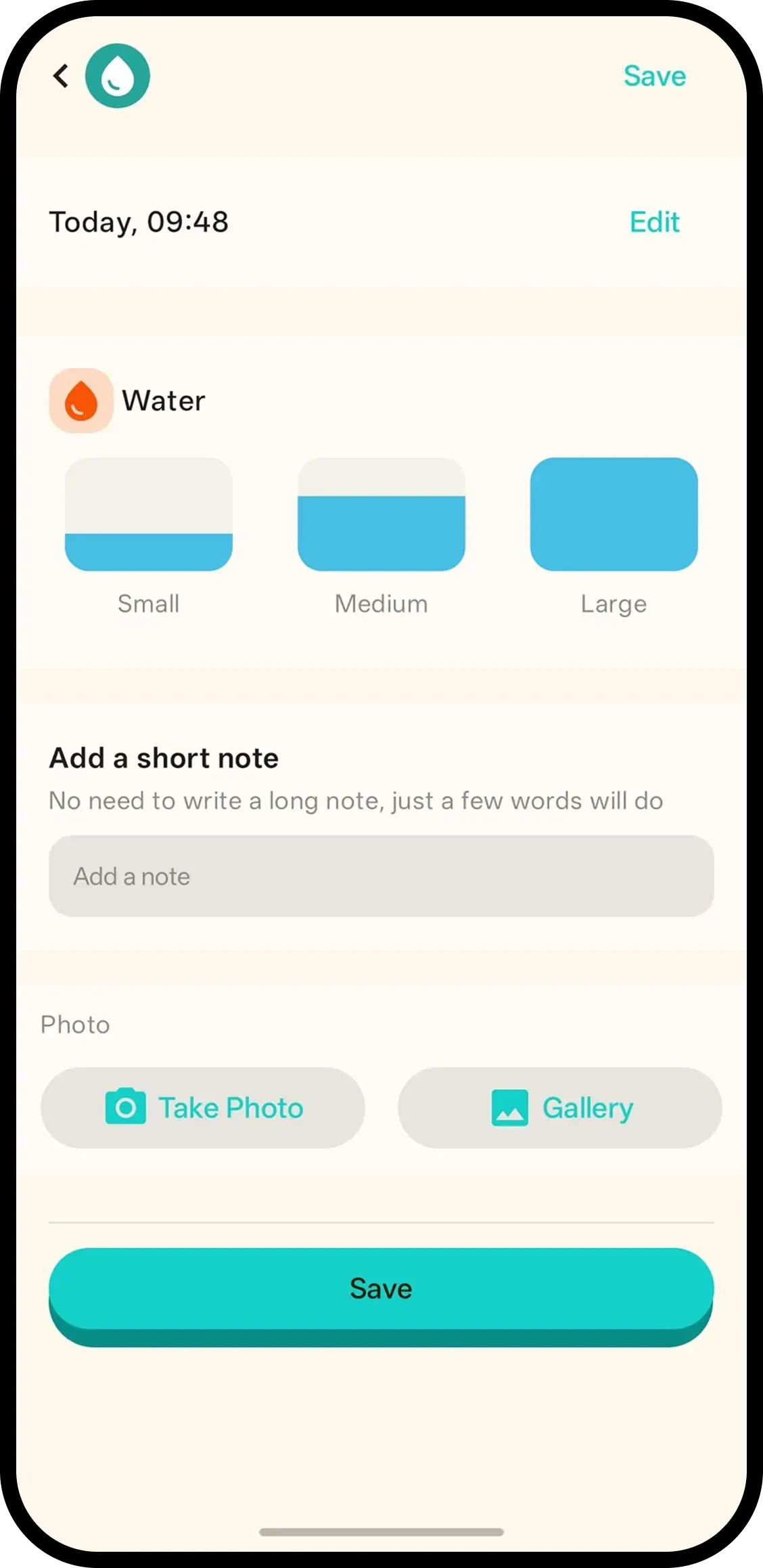
Tap Water and it's saved with the current time. There is nothing to fill in, by design: no amount field, no pop-up, no form. A note or photo can go on the entry later.
- One tap, done. Time is saved automatically.
- Nothing to fill, by design. No amount field, no form, no delay.
- Family sees it. Everyone on the family code sees the same water history.

How it works
- 1. Tap Water. Saved instantly.
- 2. Nothing to fill. The timestamp is the record — no amount, no form.
- 3. Want more detail? Tap the entry on the timeline to add a note or photo.
When it helps
First sips with solids
Solids started, water offered from a cup. Tap Water so the new habit has a history from day one.
Hot day reassurance
A few sips across the afternoon, each a one-tap entry. Anyone checking the timeline sees intake happened.
FAQ
- What does one tap do?
- It saves a water entry with the current time. There is nothing to fill in.
- Why is there no amount field?
- It is a timestamp-only log by design, so logging water stays a single tap. If you want the detail, add a note or photo to the entry later.
- How do I add a note or photo?
- Tap the water entry on the timeline and add a note or photo there.
- Can family see water logs?
- Yes. Everyone on the family code sees the same history.