

SYMPTOM · FEVER / COUGH
Symptom tracker
one tap, nothing to fill.
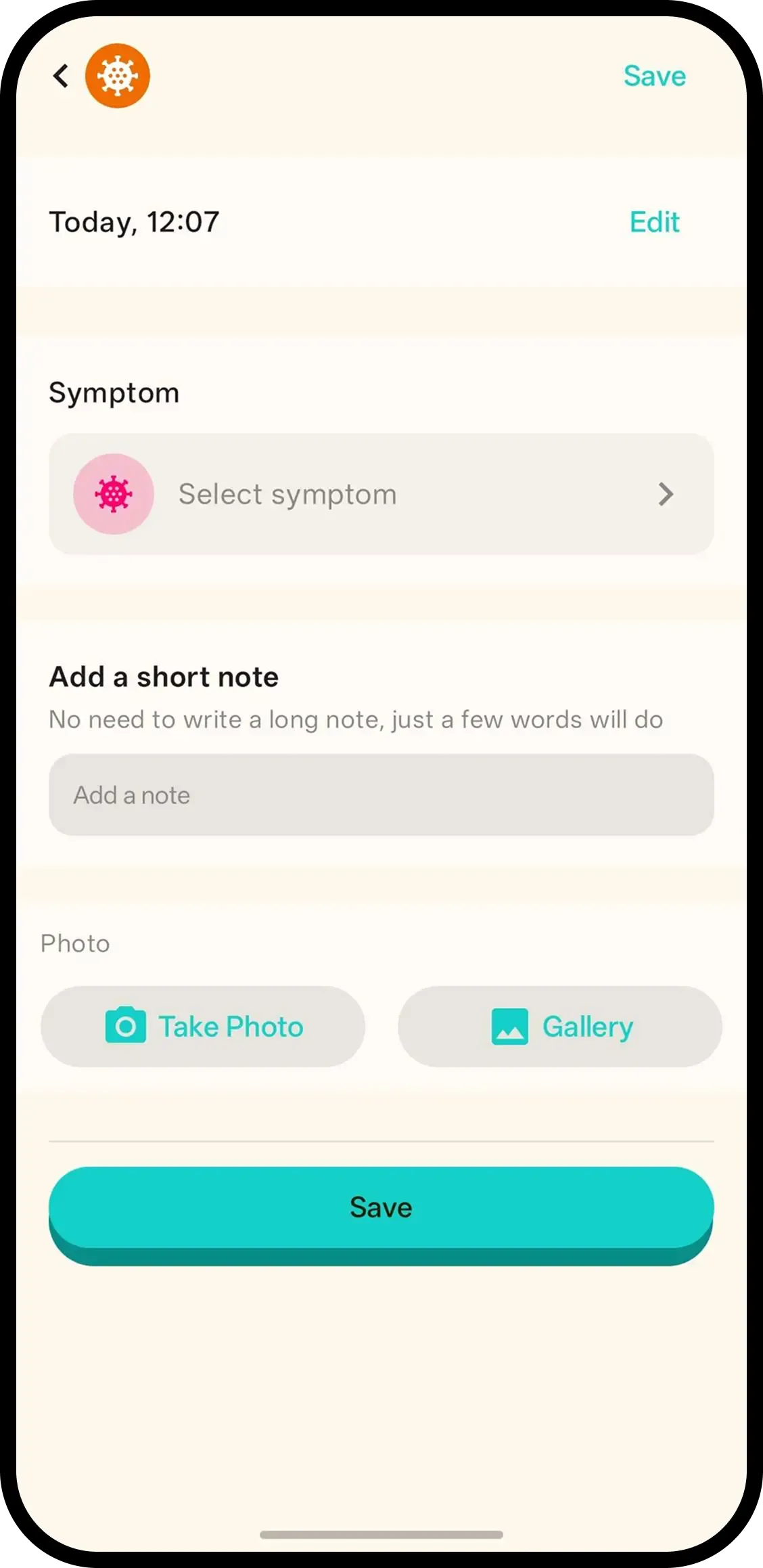
Tap Symptom and it's saved with the current time. No forms. Hold to pick what you noticed — fever, cough, runny nose, rash or diarrhea — or tap the entry later.
- One tap, done. Time is saved automatically.
- Hold to pick the symptom. Fever, cough, runny nose, rash or diarrhea.
- One history for the family. Useful when the next caregiver takes over.

How it works
- 1. Tap Symptom. Saved instantly.
- 2. Hold to pick the symptom. Fever, cough, runny nose, rash or diarrhea.
- 3. Or tap entry later. Same screen, add note/photo too.
When it helps
First spot of the rash
New marks on the cheek at bath time. Tap Symptom, hold to pick rash, add the photo — the start of the trail is timestamped.
Reporting the cold's course
Runny nose Monday, cough Wednesday, fever Friday: one dated trail. The doctor sees progression, not a snapshot.
FAQ
- What does one tap do?
- It saves a symptom entry with the current time. Nothing to fill in.
- Which symptoms can I pick?
- Fever, cough, runny nose, rash and diarrhea. Hold the Symptom button or tap the entry to choose.
- Does it replace a thermometer or a doctor?
- No. It records what you noticed and when. Temperatures go in the Health log, and this is not medical advice.
- Can family see symptom logs?
- Yes. Everyone on the family code sees the same history.