

DOCTOR · PROVIDER / REASON
Doctor tracker
one tap, nothing to fill.
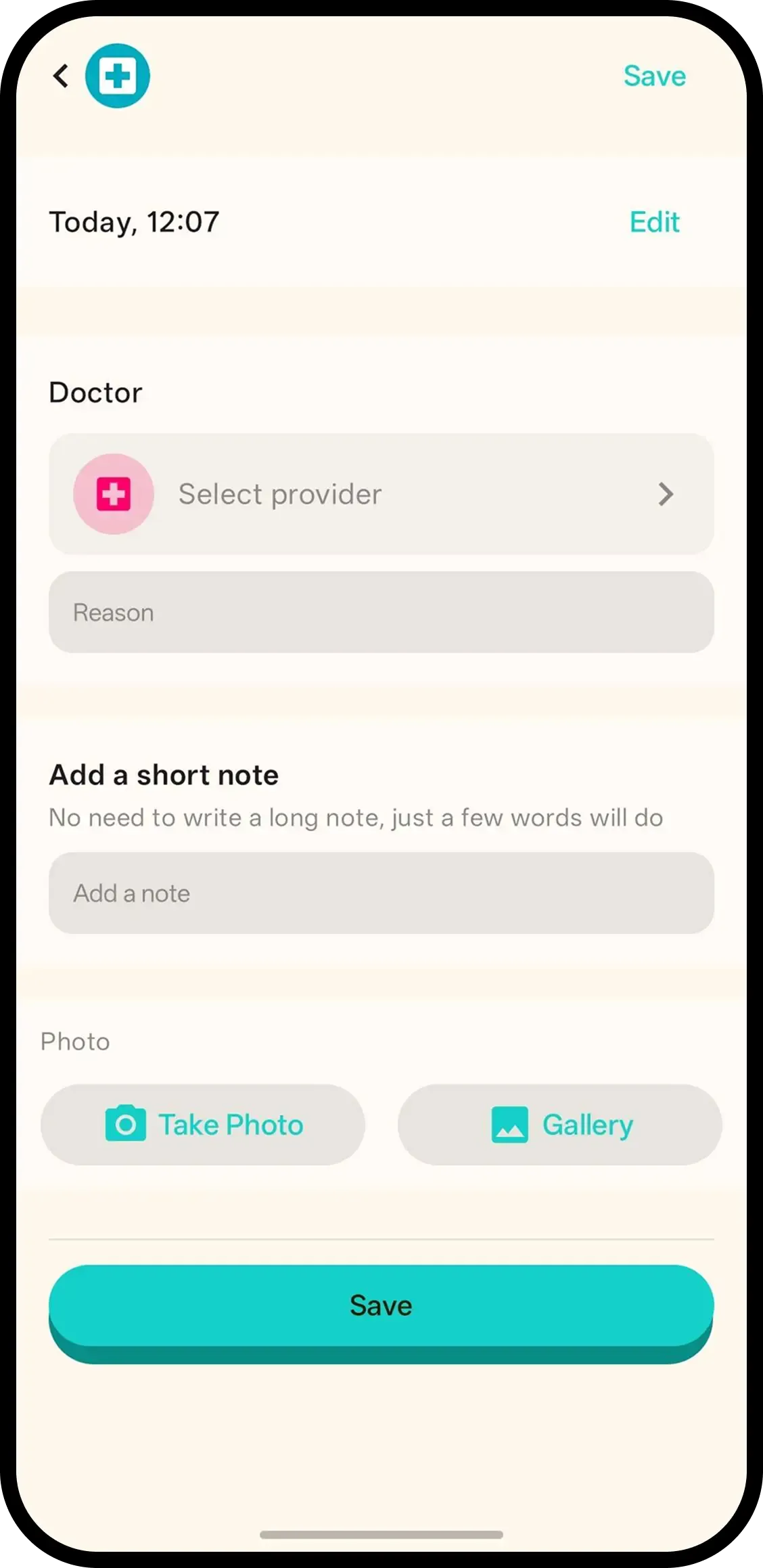
Tap Doctor and it's saved with the current time. No forms. Hold to add the provider — GP, pediatrician, health visitor or dentist — and the reason, or tap the entry later.
- One tap, done. Time is saved automatically.
- Hold to add provider and reason. GP, pediatrician, health visitor or dentist, plus why you went.
- Family sees it. Everyone on the family code sees the same visit history.

How it works
- 1. Tap Doctor. Saved instantly.
- 2. Hold to add who and why. Pick the provider, then add the reason.
- 3. Or tap entry later. Keep notes and any photo with the visit.
When it helps
In the waiting room, reason ready
GP or paediatrician, plus why you came. Log it before the appointment so the visit itself is one tap.
Following up across visits
Last month's ear check and today's revisit sit on one timeline. Either parent can brief the doctor identically.
FAQ
- What does one tap do?
- It saves a doctor visit entry with the current time. Nothing to fill in.
- How do I add the provider and reason?
- Hold the Doctor button or tap the entry, pick the provider and type the reason, like 6-8 week check.
- Which providers can I pick?
- GP, pediatrician, health visitor and dentist. The reason is free text.
- Can family see doctor visits?
- Yes. Everyone on the family code sees the same history.