

VACCINE · NAME / DOSE
Vaccine tracker
one tap, nothing to fill.
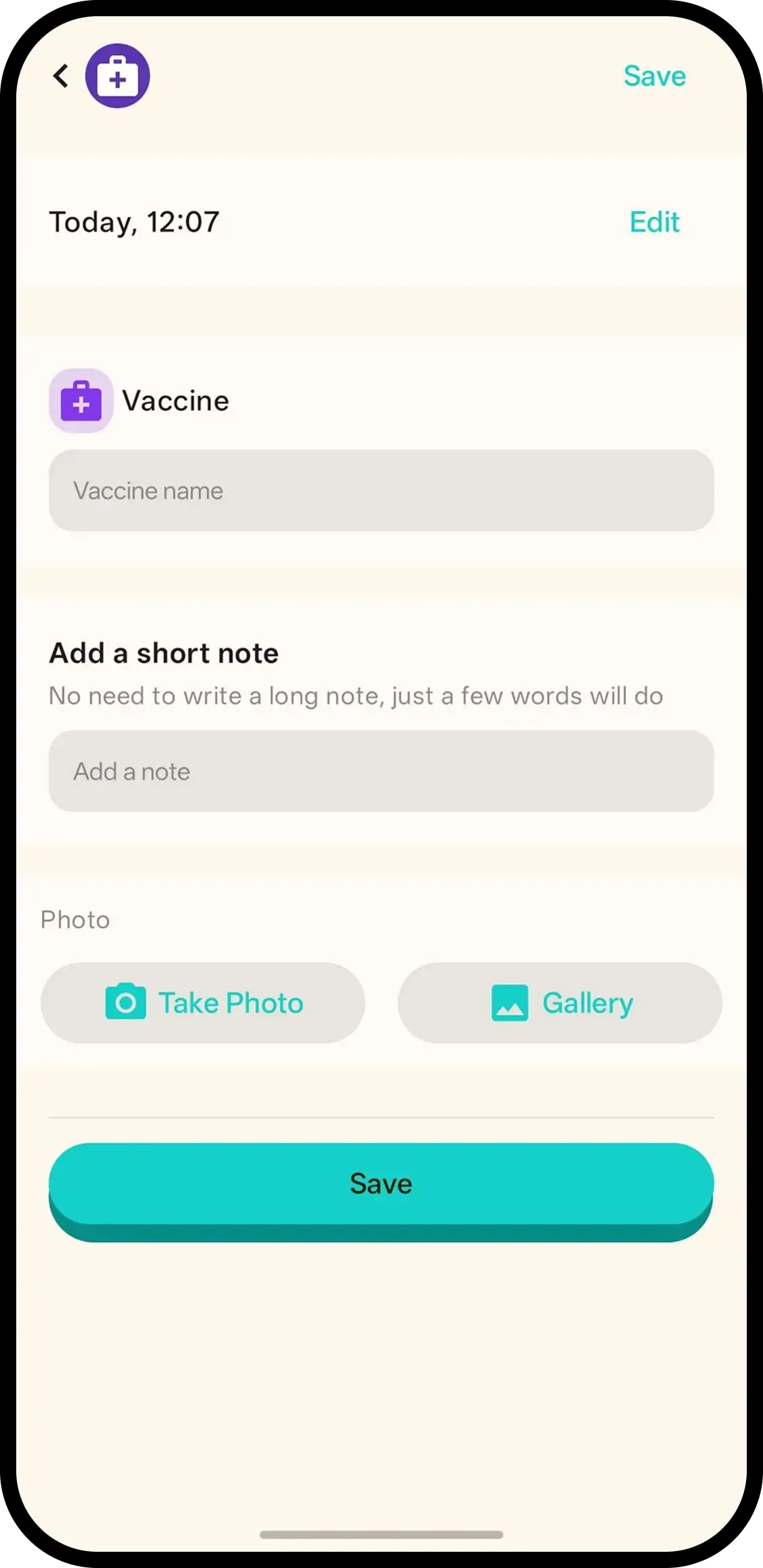
Tap Vaccine and it's saved with the current time. No forms. Hold to add the vaccine name and dose, like 6-in-1 dose 1, or tap the entry later.
- One tap, done. Time is saved automatically.
- Hold to add name and dose. Vaccine name and which dose, on the same entry.
- One record for the family. Everyone on the family code sees the same immunization history.

How it works
- 1. Tap Vaccine. Saved instantly.
- 2. Hold to add name and dose. Like 6-in-1 dose 1.
- 3. Or tap entry later. Add the details when you are back home.
When it helps
At the clinic, dose in hand
Nurse confirms 6-in-1, dose 1. Hold Vaccine and record name plus dose before you leave the building — no paper slip to lose.
Never guessing which dose is next
Dose 1 and 2 are dated on one history the whole family sees. The next appointment starts from facts.
FAQ
- What does one tap do?
- It saves a vaccine entry with the current time. Nothing to fill in.
- How do I add the vaccine name and dose?
- Hold the Vaccine button or tap the entry to type the vaccine name and the dose, like 6-in-1 dose 1.
- Is this an immunization schedule?
- No. It is the record of what was given and when. Follow the schedule your clinic gives you.
- Can family see vaccine records?
- Yes. Everyone on the family code sees the same history.