

How to Share a Baby Tracker with Your Partner (2026 Guide)
By Simple Baby Tracker Editorial TeamBaby Care
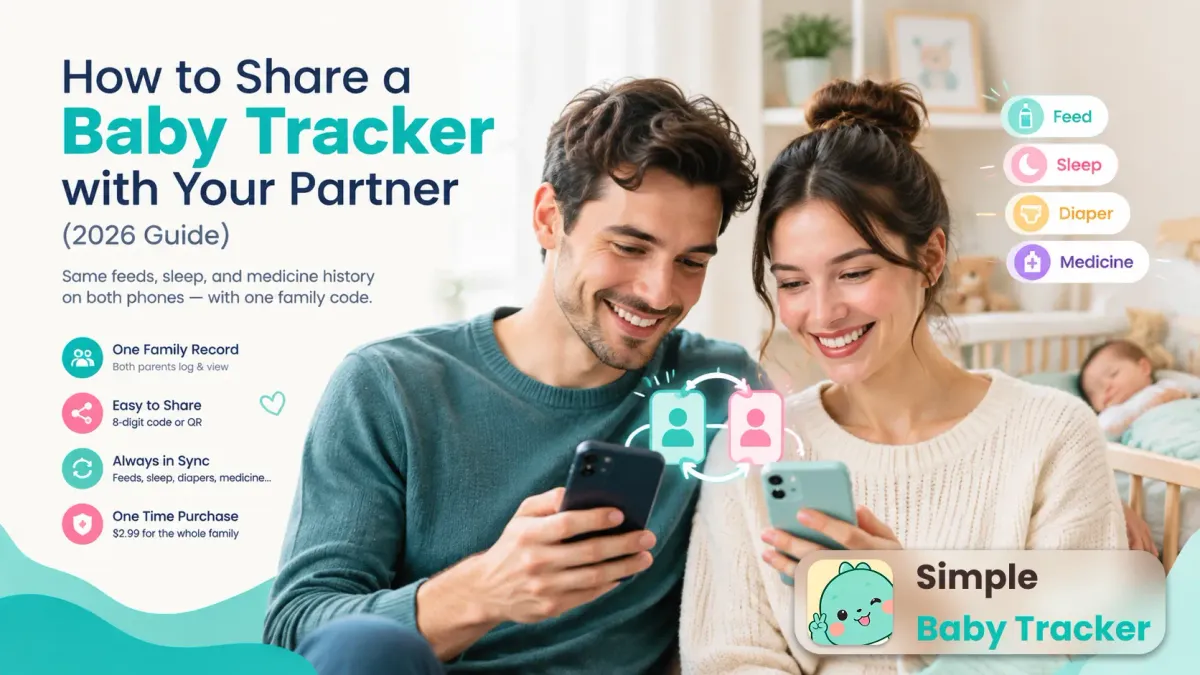
One parent logs, the other guesses? Here's how to share a baby tracker with your partner using one family code — same feeds, sleep, and medicine history on both phones.
Key Takeaways
- Sharing a baby tracker means one synced family record: both parents log and view the same feeds, sleep, diapers, and medicine history.
- In Simple Baby Tracker, sharing takes one step: one parent shares an 8-digit family code (or QR), the other enters it after signing in.
- Text-message updates fail because details get buried or half-read; a shared log plus an automatic “since you last looked” summary removes the remembering from both sides.
- One $2.99 lifetime purchase covers the whole family — the partner who joins pays nothing extra.
The “she ate a while ago” problem
Two parents, one baby, two different versions of what happened today. A newborn eats 8 to 12 times in 24 hours, according to the CDC 1, and sleeps 16 to 17 hours in short fragments 2. Somewhere in that blur, one parent asks “when did she last eat?” and the other answers “a while ago” — which could mean 40 minutes or two hours, and the difference decides whether the next feed goes smoothly or ends in tears.
Most couples start by texting updates: “fed at 2, wet diaper, fussy.” It works for a week. Then messages get buried under other chats, details arrive in five fragments across an hour, and the night-shift parent half-reads them at 3 AM. Our guide to caregiver handoffs documents exactly how these shift changes go wrong — and why the fix is a shared record, not better memory.
Sharing a baby tracker app with your partner solves it at the root: both phones show the same timeline, every entry stamped with who logged it and when. Here is how to set that up, step by step.
Step 1: pick one parent to create the family
By the end of this step, you’ll have a family record with your baby in it, ready to share.
Either parent can go first — it makes no difference later, because both members get equal logging and viewing rights. On the first parent’s phone:
- Install Simple Baby Tracker from Google Play (Android).
- Add your baby’s name and birthday — this takes under a minute.
- Sign in with Google. Signing in is what creates the cloud family and backs the data up; without it, everything stays on that one device.
Verify: open the Family screen — you should see your family code displayed with a QR code next to it.
Step 2: share the 8-digit family code
By the end of this step, your partner will hold the key to the same record.
On the Family screen, tap share. The app packages the 8-digit family code together with the QR as an image — one tap, send it through whatever channel you already use: text message, WhatsApp, or just hold the phones next to each other and scan the QR.
The code is permanent for the family and identifies nothing but the family itself — no passwords to rotate, no invite links that expire in 24 hours. Anyone holding it can join, so treat it like a house key: share it with caregivers you trust (partner, grandparents, nanny), not in public.
Step 3: partner joins with the code
By the end of this step, both phones show the identical timeline.
On the partner’s phone:
- Install the app and sign in with Google.
- Choose “Join existing family” during onboarding (instead of starting alone).
- Enter the 8-digit code — or scan the QR — and done.
There is no approval queue and no waiting. The moment the code is accepted, the full shared history syncs down: past feeds, sleep blocks, diaper changes, photos, and to-dos. Everything the first parent ever logged is now on the second phone, in time order.
Verify: compare the two timelines side by side. Same entries, same times.
Step 4: log normally — the handoff writes itself
By the end of this step, you’ll never text “did anyone feed her?” again.
Nothing about daily logging changes. Each parent taps to log feeds, sleep, and diapers exactly as before — one tap, saved with the current time, details optional. The difference is invisible: every entry now appears on both phones, labeled with who recorded it.
The piece that makes sharing actually work is the Handover summary. When either parent opens the app, a sheet shows everything that happened since they last looked: new logs and notes grouped per baby, new to-dos plus still-outstanding ones. It opens automatically only when there is unread content, and each item appears exactly once — so “did I already see this?” never comes up. Hospitals learned the same lesson at higher stakes: a multicenter study found a standardized handoff program cut medical errors substantially 3. The caregiver handoff guide explains this mechanism in depth.
No summary text to compose at midnight. No interrogating each other at the bedroom door.
What both partners see (and what stays personal)
Sharing covers the baby’s record — the whole point is that there is exactly one version of the truth:
- Shared: feeds, sleep, diapers, baths, pumping, milestones, health (temperature and medicine), growth, activities, vaccines, doctor visits, photos, notes, and to-dos. Every entry shows which caregiver logged it.
- The safety-critical one is medicine. The American Academy of Pediatrics notes that mistakes when giving medicine to children at home are relatively common 4. With a shared log, the evening dose is timestamped and visible — the night parent never has to wonder whether it was given. The AAP’s full policy report on preventing these errors details dosing-tool and communication safeguards behind that recommendation 5.
- Personal: each parent’s own Google sign-in and their purchase status. Your account stays yours even if you later join a different family.
If you are new to tracking itself, our guide to what to track in your baby’s first year covers which categories are worth logging, and tracking without data anxiety shows how to keep logging to seconds per entry.
Common mistakes to avoid
1. Running two separate trackers. Two apps (or two accounts that never join) means two timelines that silently diverge — the exact “she ate a while ago” problem you were trying to kill. One family, one code, one record.
2. Sharing screenshots instead of the code. Screenshots go stale the second they’re taken. Share the family code once; the live record stays current forever.
3. One parent logging everything. Sharing only pays off when both parents log in the moment. The rule that works: whoever does the care taps the button — two seconds, phone still in one hand. If logging feels heavy, read tracking without data anxiety — the one-tap design exists precisely for the parent holding the baby.
4. Assuming “I told them” counts as a record. Verbal updates evaporate; texts get buried. If it isn’t logged, the next caregiver can’t see it. The shared timeline is the handoff — not the conversation about the timeline.
Frequently asked questions
Does my partner need to pay separately?
No. One $2.99 lifetime purchase covers the whole family — one person pays, everyone in that family is unlocked for life, with no subscription. The purchase stays tied to the buyer’s Google account, so it even follows them to any new family they join. See the pricing page for details.
Can my partner edit or delete my logs?
Yes. Once signed in to the same family, any caregiver can view and edit logs for the shared babies. Every entry is labeled with who recorded it, so authorship is always visible.
What if one of us is offline?
Logging works offline — entries save on the device first and sync when the connection returns. Nothing is lost in a dead zone; the partner’s phone catches up on the next sync.
Can grandparents or a nanny join too?
Yes. The same family code covers the whole care team — grandparents, nannies, daycare pickups. Everyone sees the same record, and the Handover summary keeps each of them current since their last look.
Do we both get the Handover summary?
Yes. The “since you last looked” boundary is per device: each parent sees exactly what changed since they personally last opened it. If there’s nothing new, it simply doesn’t pop up.
Start sharing in under two minutes
Install the app, sign in, share the code, join — four actions, one shared truth. Both parents always know when the last feed was, whether the medicine was given, and whether the baby is due for a nap. The family sync features page shows the full picture, and you can start free: 50 logs, everything included, before the one-time $2.99 unlock.
Disclaimer: This article is for informational purposes only and does not constitute medical advice. Always consult your pediatrician with questions about your baby’s feeding, medication, or sleep.
Footnotes
-
CDC, “How Much and How Often to Breastfeed,” Infant and Toddler Nutrition, reviewed April 2026. Source ↩
-
Stanford Medicine Children’s Health, “Infant Sleep.” Source ↩
-
Starmer AJ et al., “Changes in Medical Errors after Implementation of a Handoff Program,” New England Journal of Medicine, 2014. Source ↩
-
American Academy of Pediatrics, “Ways to Prevent Children’s Medication Errors at Home,” HealthyChildren.org. Source ↩
-
Yin HS et al. on behalf of the American Academy of Pediatrics, “Preventing Home Medication Administration Errors,” Pediatrics, 2021. Source ↩